
How TradeCards works
From Job Site to Website in One Step
Upload a photo — and we’ll write, tag, and post a better version to your website that search engines love.
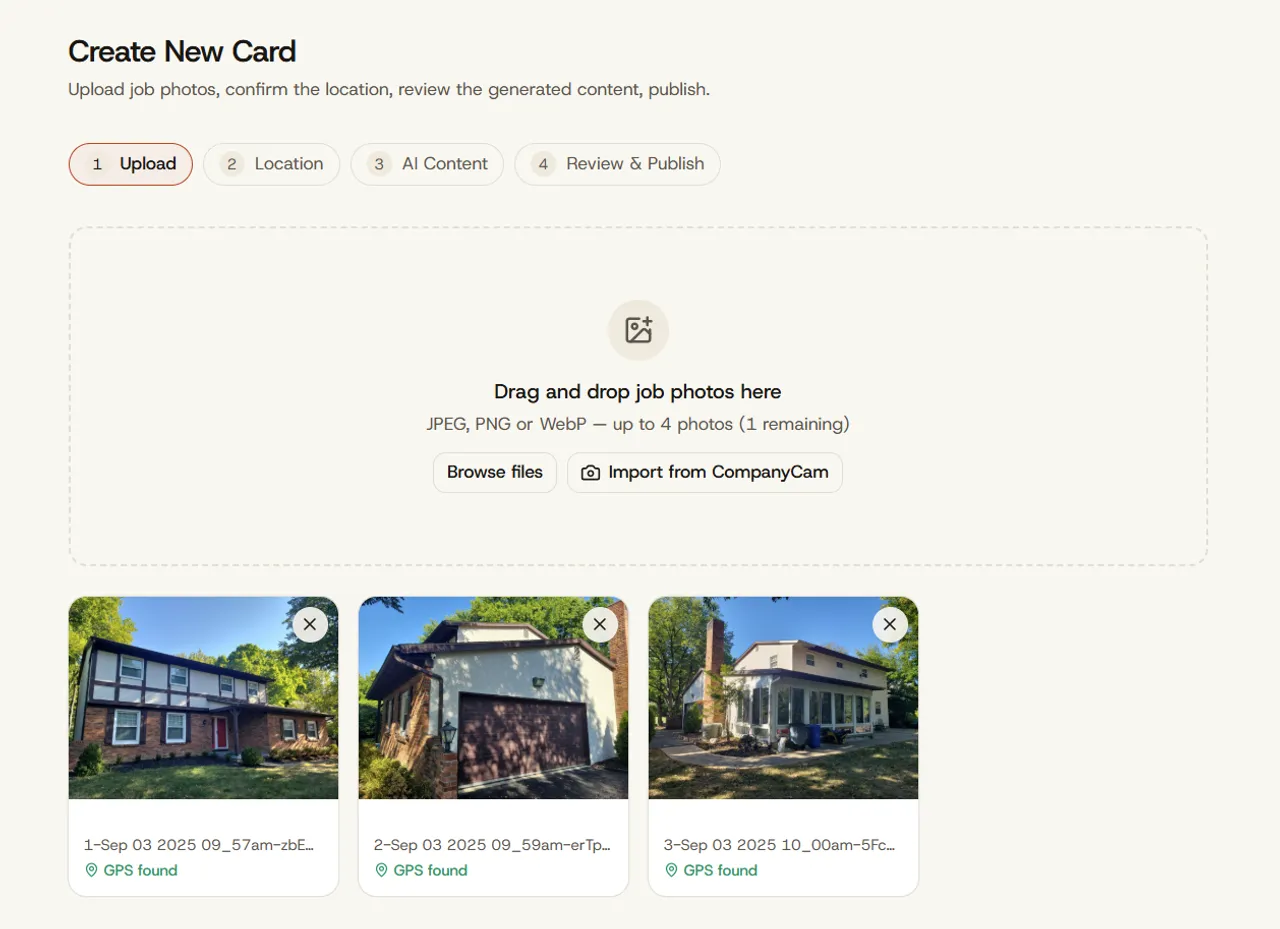
Upload a job photo
Snap the Photo
When the job is done, take a picture (you probably already do).
Upload it from your phone or connect CompanyCam for automatic import.
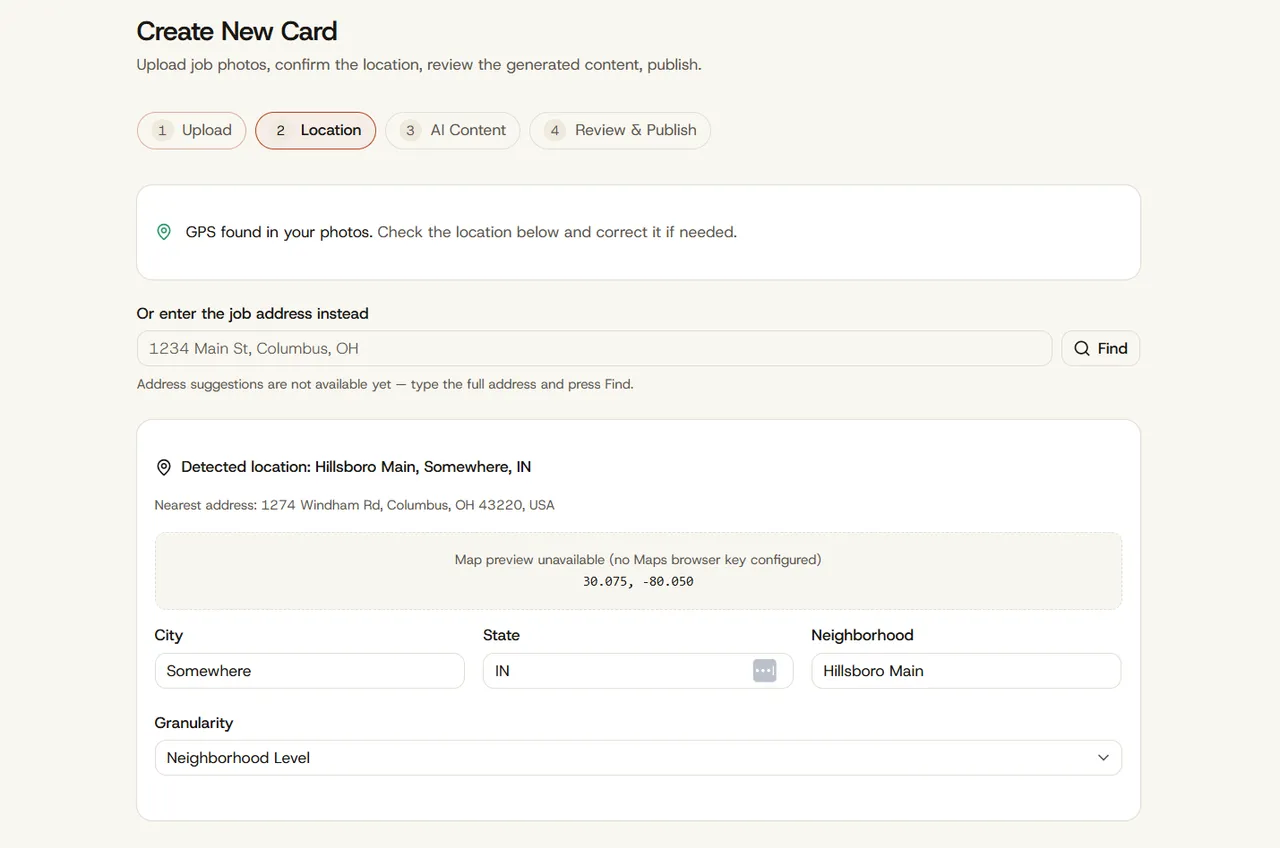
If the photo has no location on it, we'll ask you for the address. That’s the only typing you do.
AI writes the content
Create Cards for Your Site
TradeCards looks at the photo and writes:
- A title, like “Exterior House Painting in Worthington, OH”
- A short description of the work
- Alt text for the photo
- Tags for the service, the room or area, and the town
You can change any of it (but you probably won’t need to).
Smart Packs
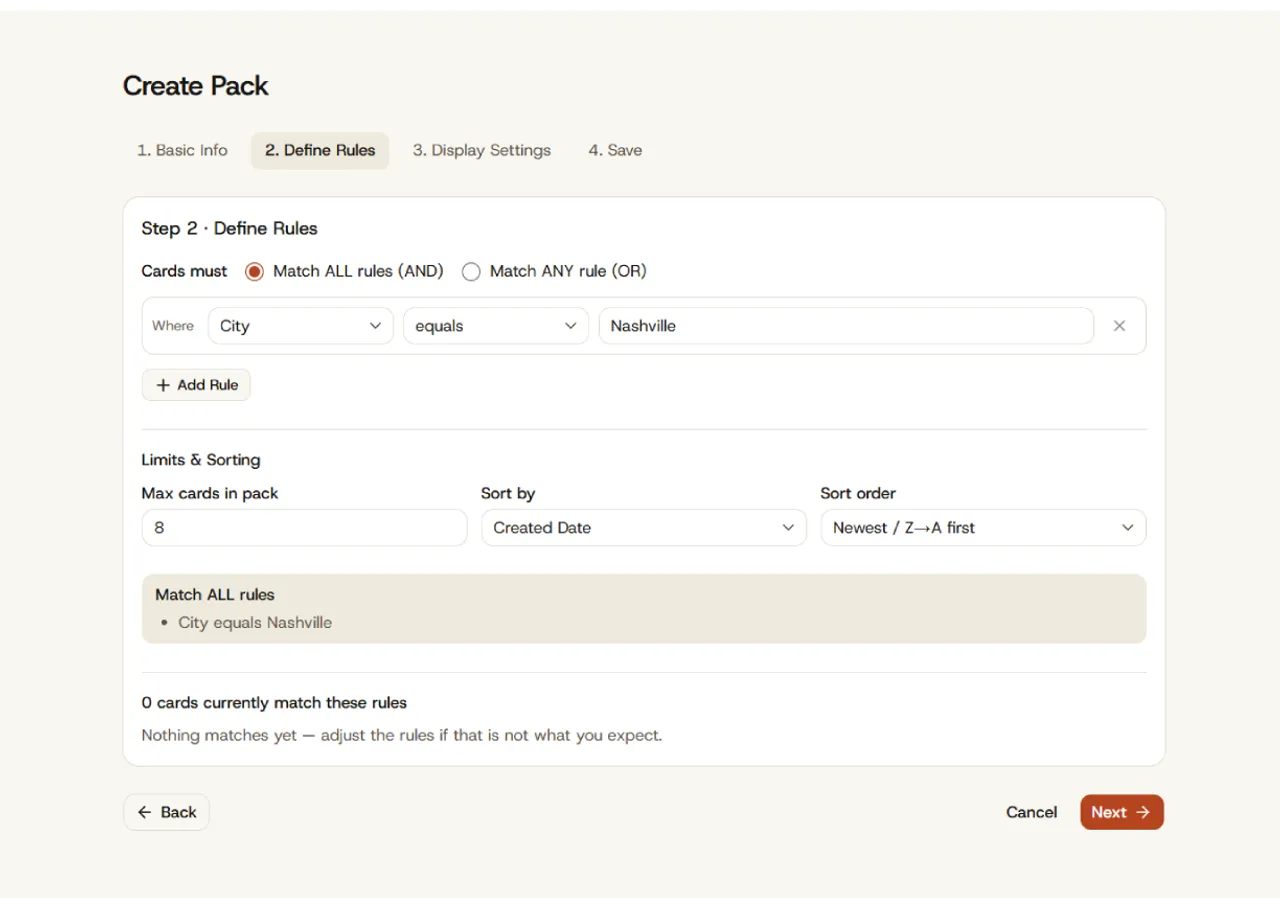
Set Rules to Build Your Packs
A group of Cards is a Pack. You set the rules:
- By Location: “All my Dublin jobs”
- By Job Type: “All roof replacements”
- Any combination: “All exterior painting in Franklin County”
That’s it. Every new Card that fits the rule joins the Pack on its own. And that means your website gets updated instantly.
Website embed code
Paste It Once. Get Updates Forever.
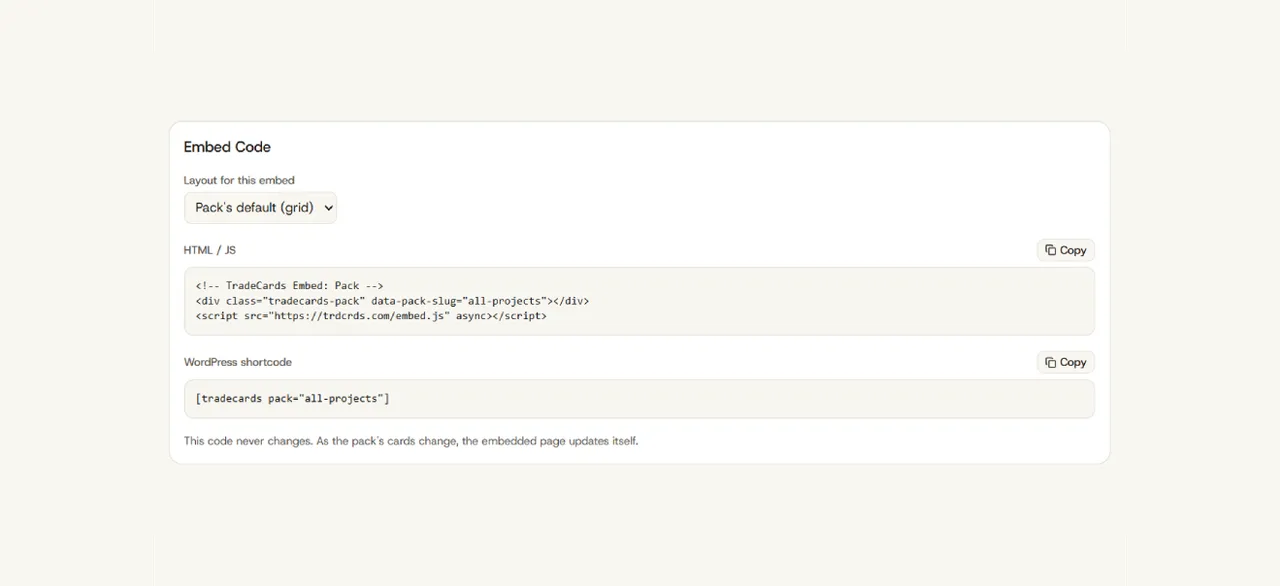
Copy the Pack’s code. Paste it on the page where you want the jobs to show.
Squarespace, Wix, WordPress, custom or almost anything else. One time, one page.
New jobs show up there the same day. You never have to edit the page again.
Local SEO that runs itself
Search Engines Websites with Updates
Your only ongoing job should be running your business. Put your website on auto-pilot.
When you use TradeCards, everything else - the writing, the town tag, the code Google reads, and getting it on the right page - happens without you.
Schema markup on every Card
What’s printed on the back
Every Card carries a hidden block of code called schema. It tells Google the type of work you performed, the city, the date, and who did it.
Almost no small contractor has this, because doing it by hand takes a developer and about an hour per page.
<img src="job-photo-4821.jpg"><img
src="curved-paver-patio-garden-walls-springfield-mo.jpg"
alt="Curved gray paver patio with tiered garden walls and
integrated lighting in a Springfield, MO backyard">
<script type="application/ld+json">
{
"@context": "https://schema.org",
"@type": "Service",
"name": "Curved Paver Patio and Garden Walls",
"serviceType": "Paver patio installation",
"provider": {
"@type": "HomeAndConstructionBusiness",
"name": "Ozark Hardscape Co."
},
"areaServed": {
"@type": "City",
"name": "Springfield",
"addressRegion": "MO"
},
"datePublished": "2026-09-02"
}
</script>Setup questions
What people ask before they start
How long does setup take?
About ten minutes, from signing up to your first Pack showing on your website.
Do I need CompanyCam?
No. Upload from your phone if you’d rather. CompanyCam just saves you the step.
What if I’m not techy?
The hardest part is copying and pasting one line. We have step-by-step guides with pictures for Squarespace, Wix, and WordPress.
Get started
Your first Card is free